
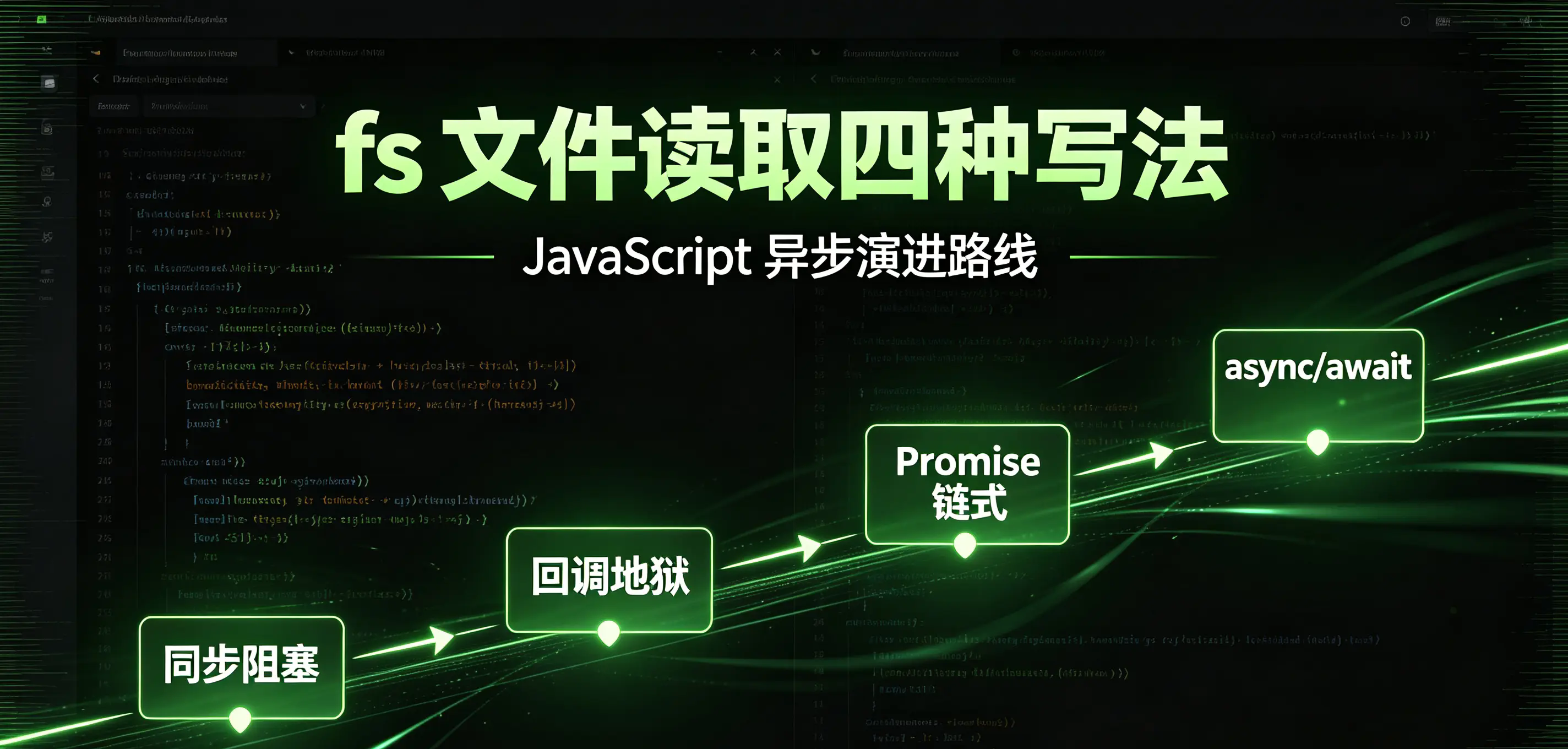
fs It is Node's built-in file system module, used to read and write files and operate folders. JS is a single-threaded language, and fs provides four writing methods: synchronous blocking, callback asynchronous, Promise, and async/await, step by step to solve the callback hell problem caused by asynchronous nesting.
1. Two ways to import modules
- Basic fs: Provides synchronous API and callback-style asynchronous API
js
run
import fs from 'fs';
- fs/promises: Specially provides Promise style API, adapted to async/await (recommended for production use)
js
run
import fs from 'fs/promises';
2. Solution 1: Synchronous reading readFileSync (blocking the main thread)
Features: Code is executed sequentially, and the entire thread is blocked during file reading. It is not suitable for interfaces and loops with a large amount of IO; it is only suitable for one-time reading of configuration files when starting a project.
js
run
import fs from 'fs';
const syncData = fs.readFileSync('./test.txt', 'utf-8');
console.log(syncData);
Disadvantages: A large number of file reading and writing in concurrent scenarios will seriously reduce service performance.
3. Option 2: callback asynchronous readFile (ES6 native writing method, callback hell)
Node unified error priority callback specification:(err, data) => {}
- Read successfully: err = null, data is the file content
- Read failure: err is an error object (file does not exist, insufficient permissions, etc.)
When reading multiple files serially, multiple levels of nesting will occur, which is called callback hell, and the maintenance cost is extremely high.
js
run
import fs from 'fs';
fs.readFile('./file1.txt', 'utf-8', (err, data) => {
  if (!err) {
    console.log('file1', data);
  } else {
    console.log(err);
  }
  fs.readFile('./file2.txt', 'utf-8', (err, data) => {
    if (!err) {
      console.log('file2', data);
    } else {
      console.log(err);
    }
    fs.readFile('./file3.txt', 'utf-8', (err, data) => {
      if (!err) {
        console.log('file3', data);
      } else {
        console.log(err);
      }
    })
  })
})
4. Option 3: Promise chain calling (eliminating nesting)
based on fs/promises, readFile returns Promise, use .then() Chained serial execution solves the problem of multi-layer nesting; the disadvantage is that repeated writing of then in multi-file scenarios results in redundant code.
js
run
import fs from 'fs/promises';
fs.readFile('./file1.txt', 'utf-8')
  .then(data => {
    console.log('file1', data);
    return fs.readFile('./file2.txt', 'utf-8');
  })
  .then(data => {
    console.log('file2', data);
    return fs.readFile('./file3.txt', 'utf-8');
  })
  .then(data => {
    console.log('file3', data);
  })
5. Option 4: async/await (ES8 optimal solution, preferred for production)
async/await is the syntax sugar of Promise. The bottom layer is still asynchronous and will not block the main thread. The code is written linearly from top to bottom and is the most readable. Restrictions: await can only be written in async functions. If the top-level await is used directly, an error will be reported. Use IIFE to execute the function package immediately. Supplement: Promise and await belong to microtasks; setTimeout belongs to macrotasks.
js
run
import fs from 'fs/promises';
(async () => {
  const file1Data = await fs.readFile('./file1.txt', 'utf-8');
  console.log('file1', file1Data);
  const file2Data = await fs.readFile('./file2.txt', 'utf-8');
  console.log('file2', file2Data);
  const file3Data = await fs.readFile('./file3.txt', 'utf-8');
  console.log('file3', file3Data);
})();
Complete and robust writing method (add try/catch to capture read errors)
js
run
import fs from 'fs/promises';
(async () => {
  try {
    const data = await fs.readFile('./test.txt', 'utf-8');
    console.log(data);
  } catch (err) {
    console.error('File read failed: ', err);
  }
})();
6. Asynchronous code evolution route
Synchronous blocking (poor performance) → callback function (callback hell) → Promise then chaining (redundant) → async/await (simple and easy to maintain)
7. Comparison table of four reading methods
sheet
| Writing method | Whether to block the thread | advantage | shortcoming |
|---|---|---|---|
| readFileSync | block | Very simple writing style | A large amount of IO seriously affects service performance |
| readFile callback | non-blocking | No additional import required | Serializing multiple files creates callback hell |
| Promise then | non-blocking | No nested structure | Multiple file chain codes are repetitive and cumbersome |
| async await | non-blocking | Linear reading, clean code | ES8 syntax, needs to be wrapped by async function |
8. Engineering development best practices
- Unified use of reading and writing business files
fs/promises + async/await; - All file reads must be matched with try/catch to catch exceptions;
- Synchronous readFileSync is only used for project initialization and loading configuration, and the use of interface services is prohibited;
- The path is used with path.resolve to generate an absolute path to prevent files from being found due to changes in the running directory.